

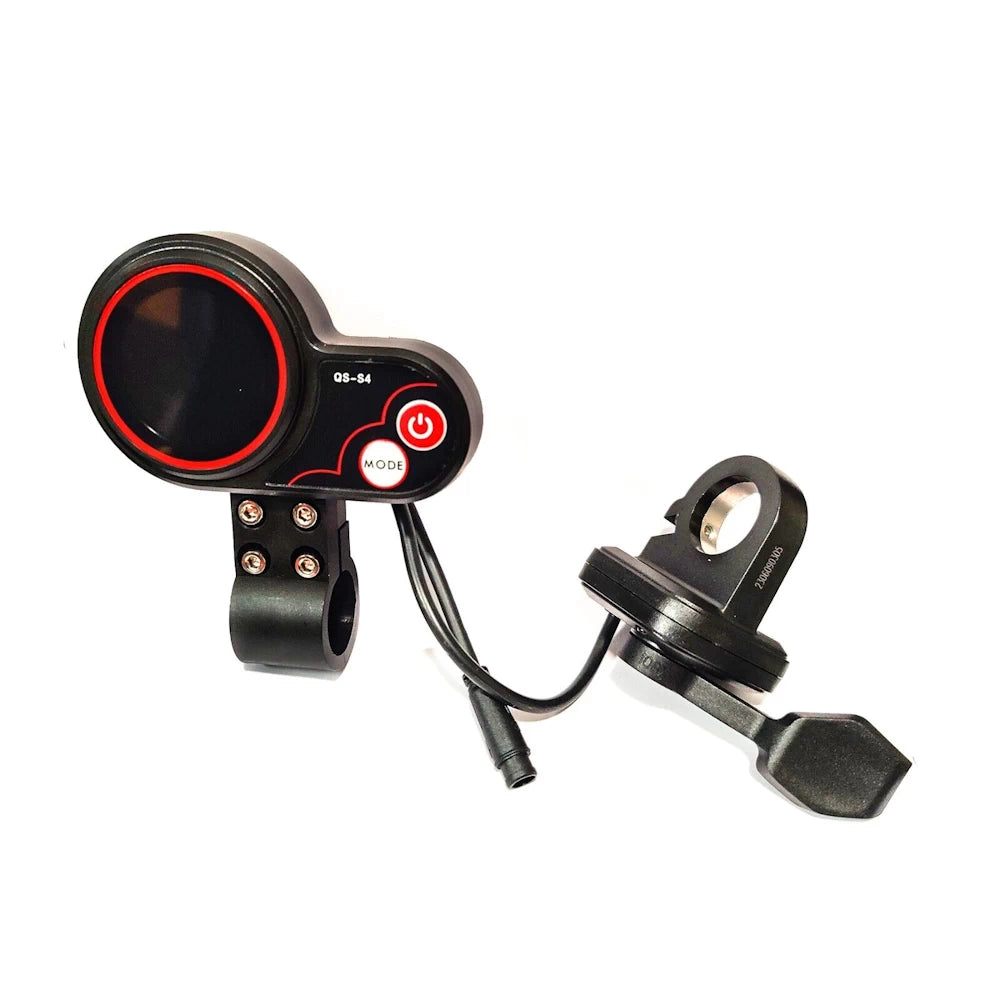
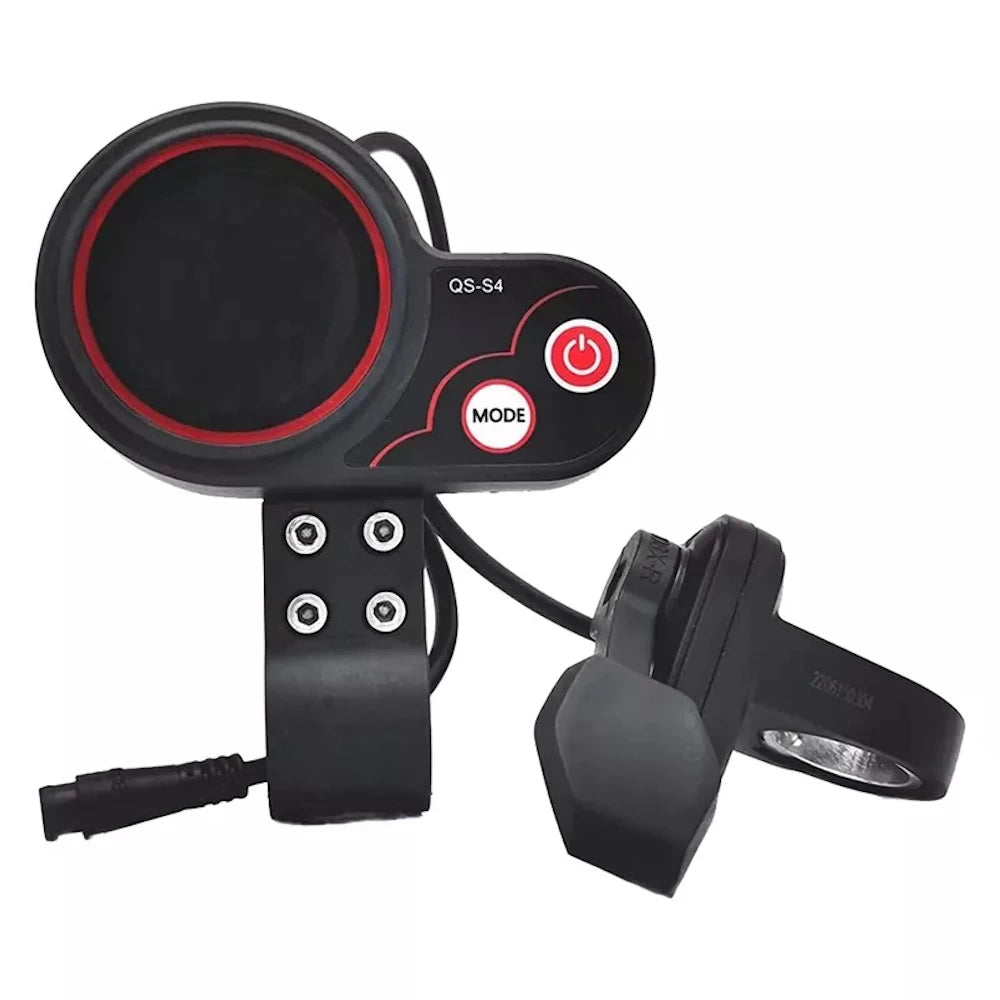
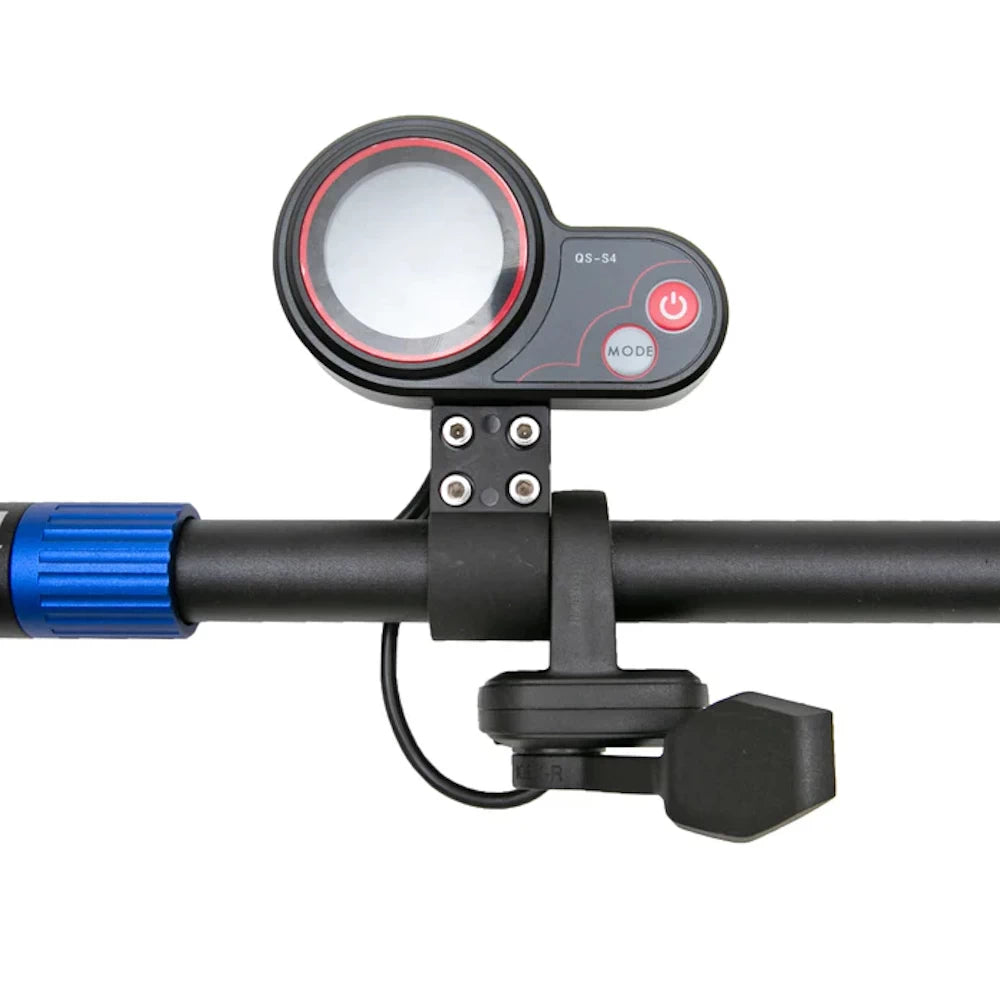
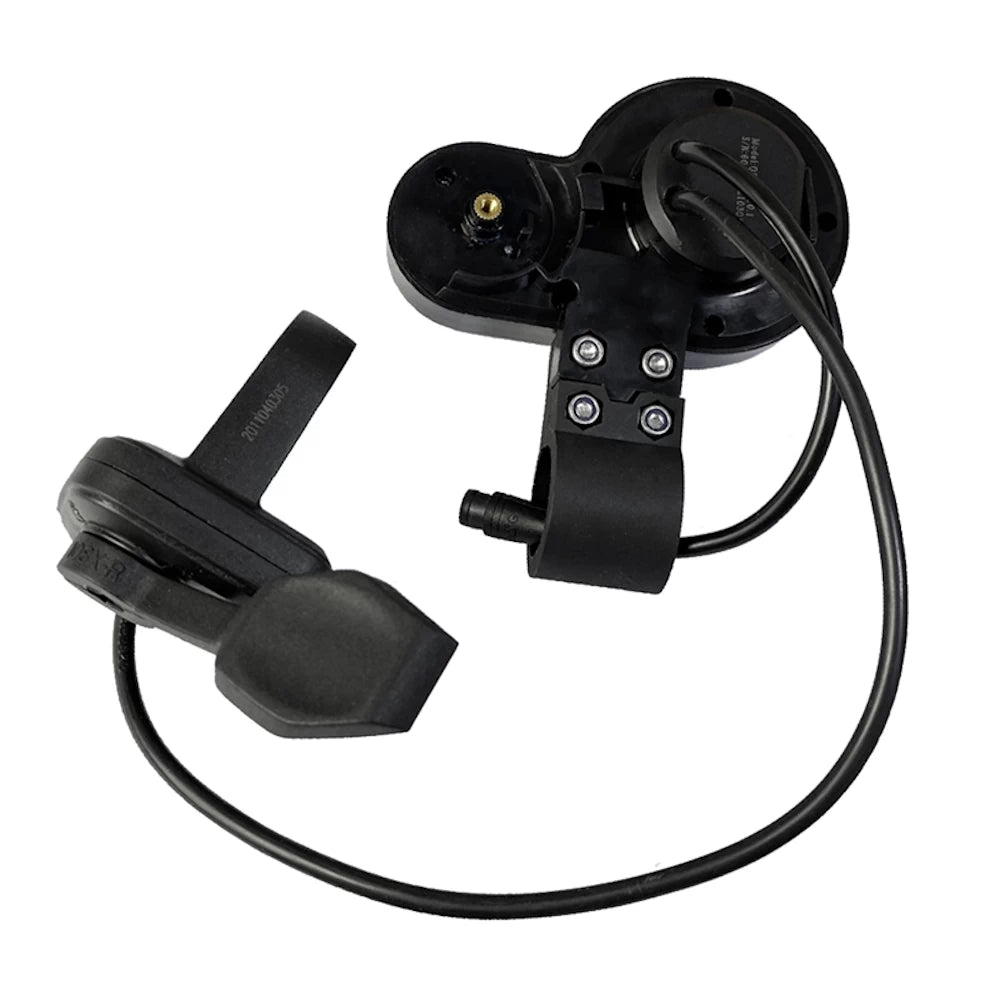


Throttle: QS-S4 72V LCD THUMB Throttle (Colour LCD) for Zero 11X
- Ships next business day
- Low stock - 1 item left
- Backordered, shipping soon
QS-S4 72V LCD THUMB Throttle (Colour LCD) for Zero 11X
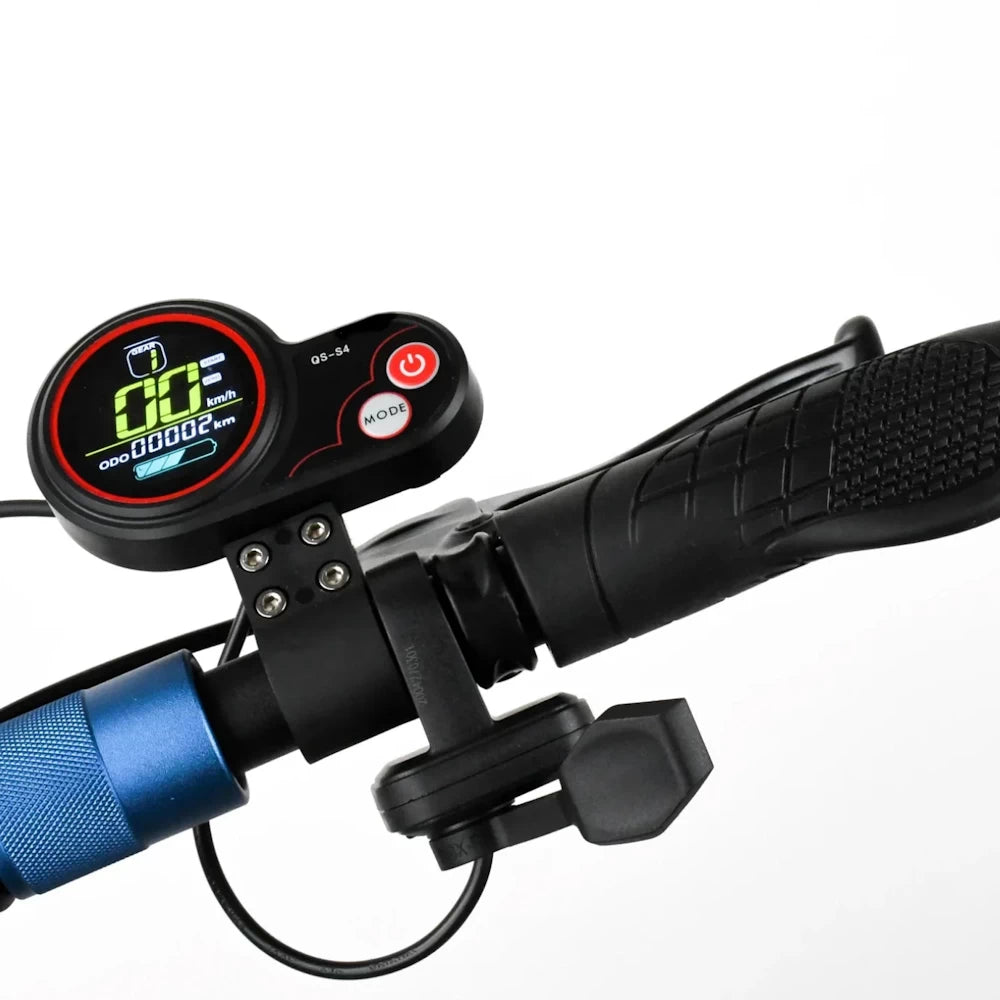
Enhance your ride with the QS-S4 72V LCD Thumb Throttle, a powerful and versatile throttle upgrade. This thumb throttle delivers precision control with a colour LCD display, offering real-time speed, mileage, and battery data at a glance. Perfect for riders looking for better control and performance.
This is the 72V version of the QS-S4 Trigger throttle and LCD supports 72V T11-DDM, such as Zero 11X and Dragon "Warrior" X11. It is pre-configured for 72V operation, identical to the 36-60V variant with only difference being the P-Settings which can be changed to accommodate 72V systems.
Key Features:
- USB Port: Includes a USB port capable of supplying 5V at 500-1000mA for software flashing or light charging tasks.
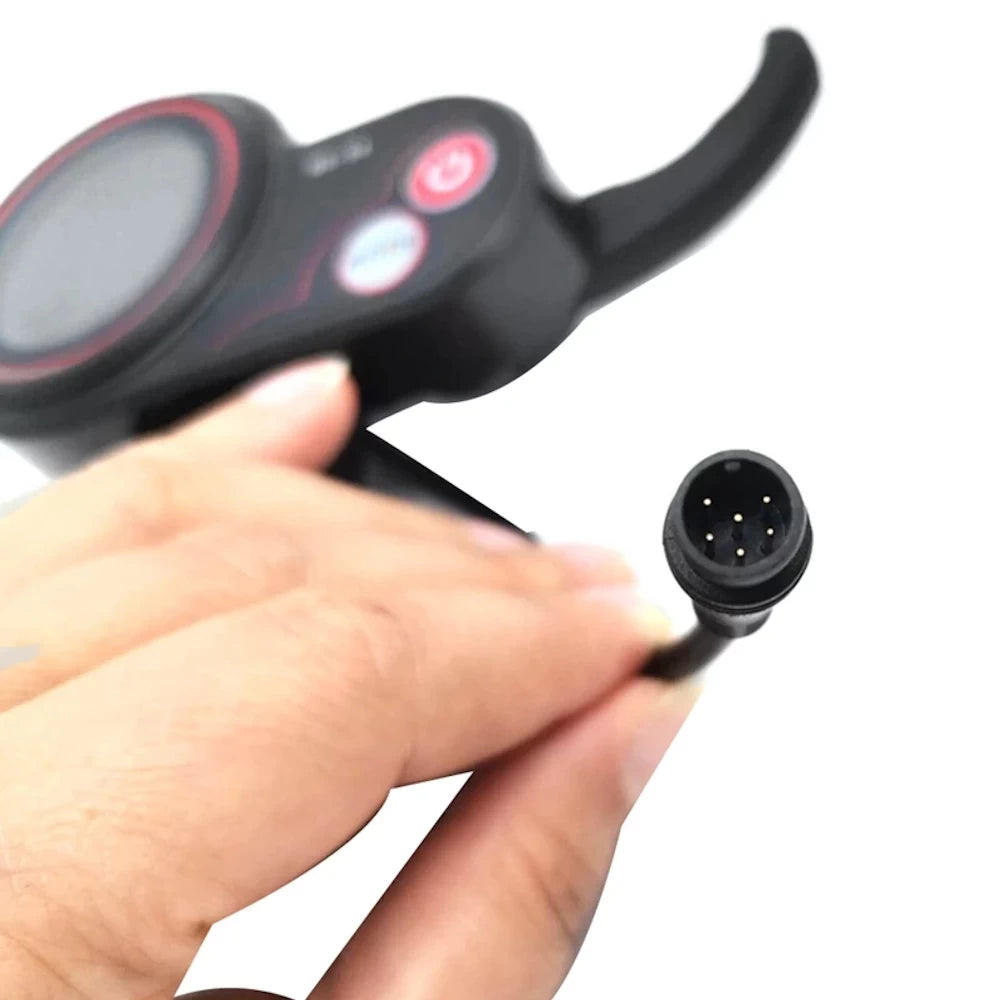
- Waterproof 6-Pin Male Connector: Reliable, weather-resistant connection with a 6-pin male plug to ensure durability in any condition.
- Ergonomic Design: Comfortable thumb throttle for extended rides with an easy-to-read LCD screen.
- User-Friendly Display: Bright, easy-to-read LCD screen with power mode buttons for quick adjustments on the go.
Important Note:
While the USB port can supply power, we recommend avoiding charging high-power USB devices to prevent overloading the throttle unit.
This QS-S4 72V thumb throttle is an essential upgrade for riders seeking improved performance, reliability, and real-time ride data. Get yours today and elevate your scooter experience!
Buy Now:
Upgrade your scooter with the QS-S4 72V Thumb Throttle – precision, control, and visibility all in one!
How to Access Settings on the QS-S4 Thumb Throttle
- Power on your scooter.
- Hold the Mode + Power buttons (3-5 seconds) to access the P-setting menu.
- Use the Mode button to toggle through P-settings.
- Press the Power button to select the P-setting to adjust.
- Press Mode button to increase the value, and Power button to decrease the value.
- To save settings, allow the LCD to timeout (3-5 seconds) or long press Mode + Power buttons to exit the menu.
P-Settings
- P1: LCD Brightness: Set to 3 for brightest. The drain on the battery is minimal.
- P2: Mileage display in Miles or Kilometers
- P3: Voltage: 72V
- P4: Dormancy time: The amount of time before the scooter will go to sleep/power off.
- P5: Unused
- P6: Wheel diameter in inches
- P7: # of magnets:
- P8: Power Level (%): Control the amount (%) of power/top speed.
- P9: Zero start: Push/Kick Start or Zero start; Set to 0 for zero start, set to 1 for kick-start.
- P10: unused.
- P11: Electronic Braking level. 1-5.
- P12: Acceleration/Torque: 1 is soft start; 5 is high torque.
- P13 - 14: unused
- P15: Controller cutoff voltage
- P16: Zero-ing of the Odometer
- P17: Cruise control: set to 0 for OFF (beginners). Set to 1 for ON (advanced riders only). When Cruise control is switched on, it will automatically start when the rider maintains a constant speed for 5 seconds. Cruise Control is will turn off when the brake or throttle is activated. Cruise control can be dangerous if you are not an experienced rider.
- P18 – P20: unused
QS-S4 Error Codes
When the LCD controller detects an error, you’ll get the triangle and exclamation mark symbol, and it will display the fault code just above the battery life display.
| QS-S4 Error Code | Meaning |
| 2 | Brake sensor |
| 6 | Battery under-voltage |
| 7 | Motor fault |
| 8 | Motor/Hall sensor |
| 9 | Controller fault |
| 10 | Controller RX fault |
| 11 | Controller TX fault |
| 12 | BMS communication error |
| 13 | Headlight error |
